
How do I integrate an AI note-taking tool into Microsoft Teams or Zoom?
Posted on
2/4/2026
par Seedext
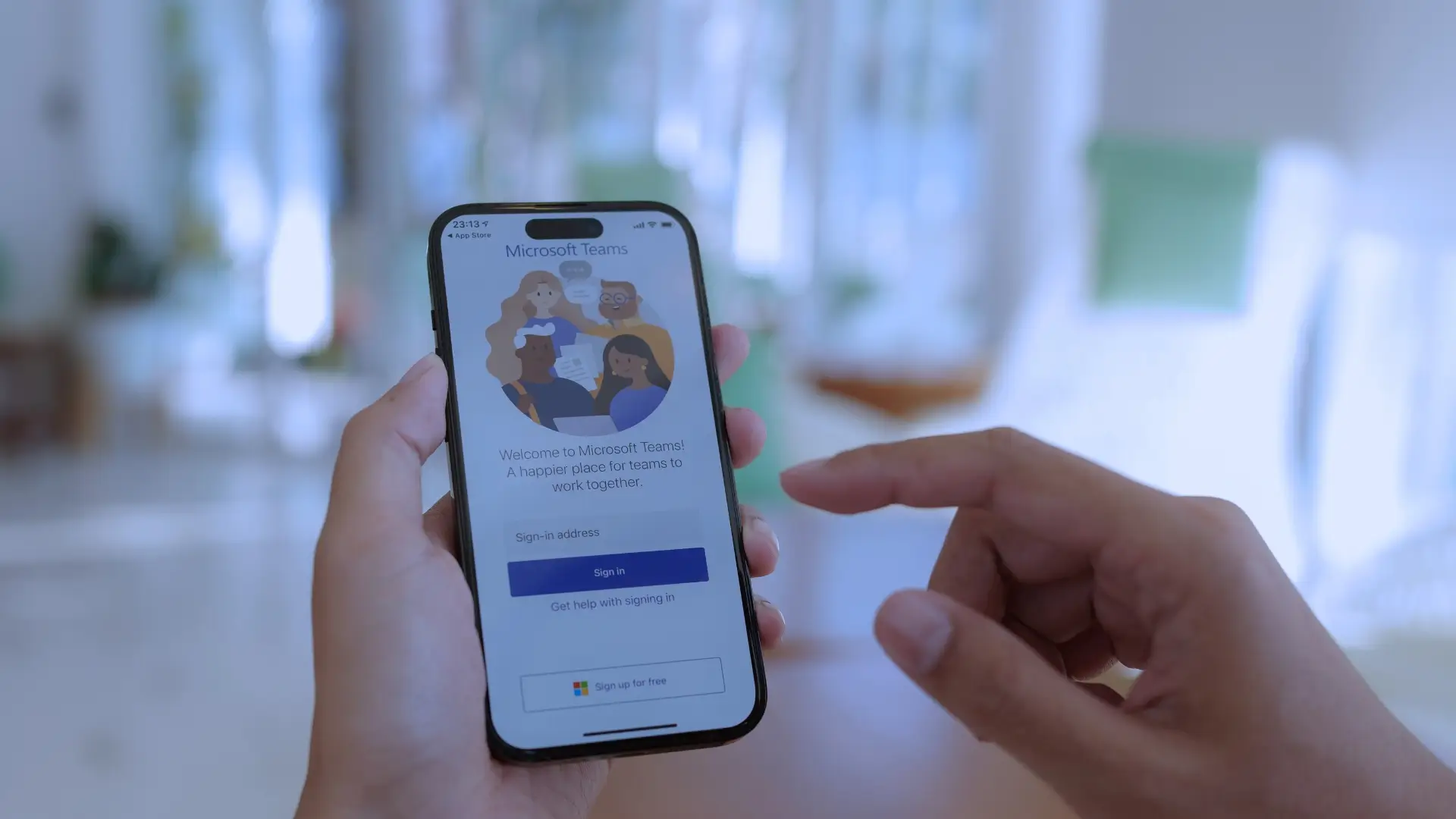
The meetings go on, the information flows out, and However, one question comes up again and again: How can you forget nothing without writing everything down by hand? This is precisely where theAI note-taking tool. Today, integrate a AI note-taking tool to Microsoft Teams or Zoom is no longer a luxury, buts a strategic necessity for any performance-oriented organization.
Why? Because work has become hybrid, because teams are connected from multiple devices, And because collaboration is now based on platforms like Teams, Zoom or Messenger. hence, the AI note-taking tool is emerging as a central link in collaborative work, capable of capturing, structuring and synchronizing information without friction.
In this article, we are going to see How to concretely integrate an AI note-taking tool to Microsoft Teams or Zoom, and especially how to derive maximum operational value from it, without compromising security, user experience or the fluidity of teamwork.
Why integrate an AI note-taking tool into Teams or Zoom?
AI note-taking tool and collaborative work — https://www.microsoft.com/microsoft-teams
One AI note-taking tool connected to Teams or Zoom makes it possible to transform a classic meeting into an exploitable resource. Indeed, oral exchanges become structured content, and decisions are automatically recorded.
The benefits are immediate:
- Saves time for teams
- Improvement ofuser experience
- Centralization of information
- Reducing human errors
In addition, in an environment Collaborative SaaS, the AI note-taking tool acts like a Smart bot, always active, never distracted.
AI note-taking tool: technical principles you need to know
Before any integration, you need to understand how a AI note-taking tool. This is generally based on:
- Of waiters cloud (AWS, for example)
- One Connection secure to platforms
- A phase ofauthentication
- An AI transcription and synthesis engine
So, when the meeting starts on Teams or Zoom, the tool connects automatically, Upload the audio, process the data, and then sync the notes in your space.
Integrate an AI note-taking tool into Microsoft Teams
AI and Microsoft Teams note-taking tool — https://learn.microsoft.com
Microsoft Teams is designed for teamwork, and its architecture facilitates the integration of a AI note-taking tool.
Key integration steps:
- Create an account on the chosen solution
- Activate the SSO with your professional email address
- Allow the Connections via the panel Admin
- Install the Plugin Or the Package Teams
- Configure the notifications and alerts
Once set up, the AI note-taking tool automatically joins Teams meetings as a collaborative bot.
Authentication and security in Teams
AI note-taking and authentication tool — https://learn.microsoft.com/security
THEauthentication is crucial. Teams allows:
- SSO via Azure
- Management of passwords
- Validation by Activation code
So, each AI note-taking tool is clearly identified via a identifying, a email address, and Logs of searchable activities.
Integrate an AI note-taking tool into Zoom
AI and Zoom note-taking tool — https://marketplace.zoom.us
Zoom is based on open API logic, What facilitates the integration of a AI note-taking tool.
Integration process:
- Generation of a URL Secured
- Connect via OAuth
- Authorization to access audio streams
- Setting up the Dashboard
hence, the tool automatically connects to each scheduled Zoom meeting.
AI note-taking tool and user experience on Zoom
On Zoom, theuser experience is fluid:
- None terminal specific required
- Works on macos, Windows, ios, Android
- Compatible Tablet and Mobile app
In addition, participants receive notifications or alerts at the end of the meeting, with a link to the notes.
Synchronize AI notes with your business tools
AI note-taking tool and synchronization — https://zapier.com
A good AI note-taking tool does not stop at the transcription. He must synchronize contents with:
- CRM
- Tools of invoicing
- Google Analytics
- Project management tools
So, the decisions resulting from meetings feed directly into existing workflows.
AI note-taking tool, backups and backup
The question of safeguards is essential. The best tools offer:
- Backup automatic
- Redundancy across multiple AWS servers
- Export from Files
In case of failure, the data remains accessible, and operational continuity is ensured.
Web browser, compatibility and performance
One AI note-taking tool must work with everything web browser :
- Google Chrome
- Mozilla Firefox
- Safari
- (Formerly) Internet Explorer
This guarantees rapid adoption, without material friction or dependency Hardware.
AI note-taking tool and personal information security
Meetings often contain personal information. It is therefore imperative that the tool:
- Encrypt data
- Protect your email address
- Do not store your password In plain language
- Go through antivirus and regular scans
hence, compliance and trust are maintained.
Concrete use cases in collaborative work
AI note-taking and collaboration tool — https://slack.com
Examples:
- Business meetings related to CRM
- Product teams working through agile framework
- E-commerce teams analyzing performance
- Social media teams coordinating their campaigns
In each case, the AI note-taking tool becomes a internal media structuring.
Automation, scripting and monitoring
Advanced solutions offer:
- Scripts of automation
- Monitoring in real time
- Monitor Uses
- Tables Dashboard Admin
So, the IT department maintains complete control of the tool.
Migrating to an existing AI note-taking tool
If you are already using an internal system, a migration is possible:
- Importing histories
- Import via files or API
- Retention of backups
This allows a smooth transition, without interruption.
AI note-taking tool: a measurable productivity driver
Thanks to integrated statistics:
- Number of meetings
- Time saved
- Team commitment
ROI becomes measurable, and the tool stands out as a booster real performance.
Conclusion
In conclusion, integrate a AI note-taking tool to Microsoft Teams or Zoom is no longer a secondary option. It is a structuring choice for collaborative work, performance and knowledge capitalization.
When properly configured, secure, synchronized, and designed foruser experience, the AI note-taking tool turns each meeting into a strategic resource. And in a world where time is precious, it's anything but a detail.